Tap the hour meter. FieldFix tells you what's due.
And when something acts up, describe it like you'd tell your mechanic. FieldFix looks up your exact machine and tells you what to check first.
Free for your first machine. No credit card.
Built by GroundCo in Cincinnati
AI by Claude, from Anthropic
- One real session in the live app. Tap a step to jump to it.
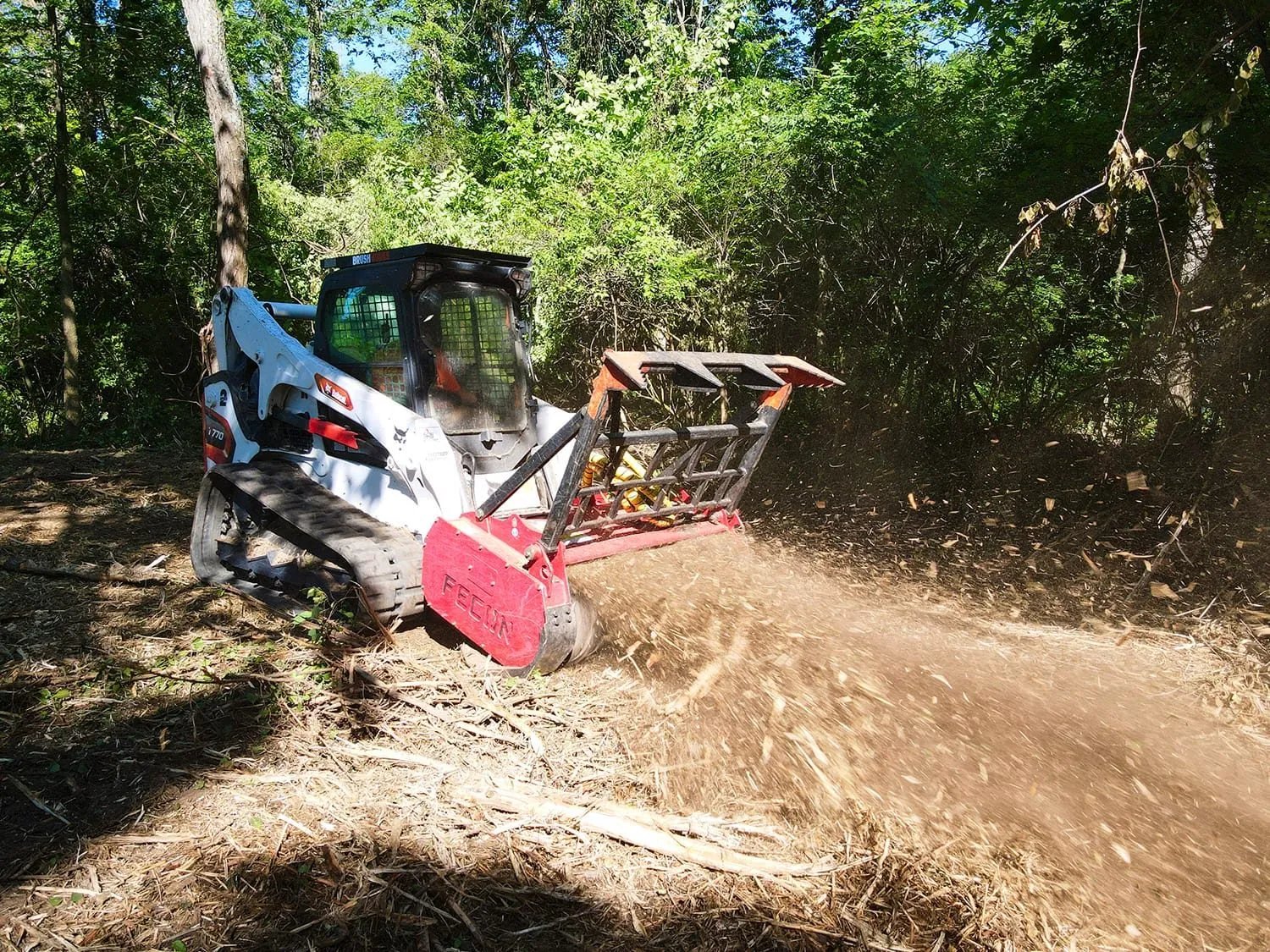
Built by a crew that runs these machines every day.
GroundCo's Bobcat T770 on a clearing job.
Everything runs on hours, same as your service manual.
For track loaders, skid steers, mulchers, minis, tractors and anything else with an hour meter.
In FieldFix
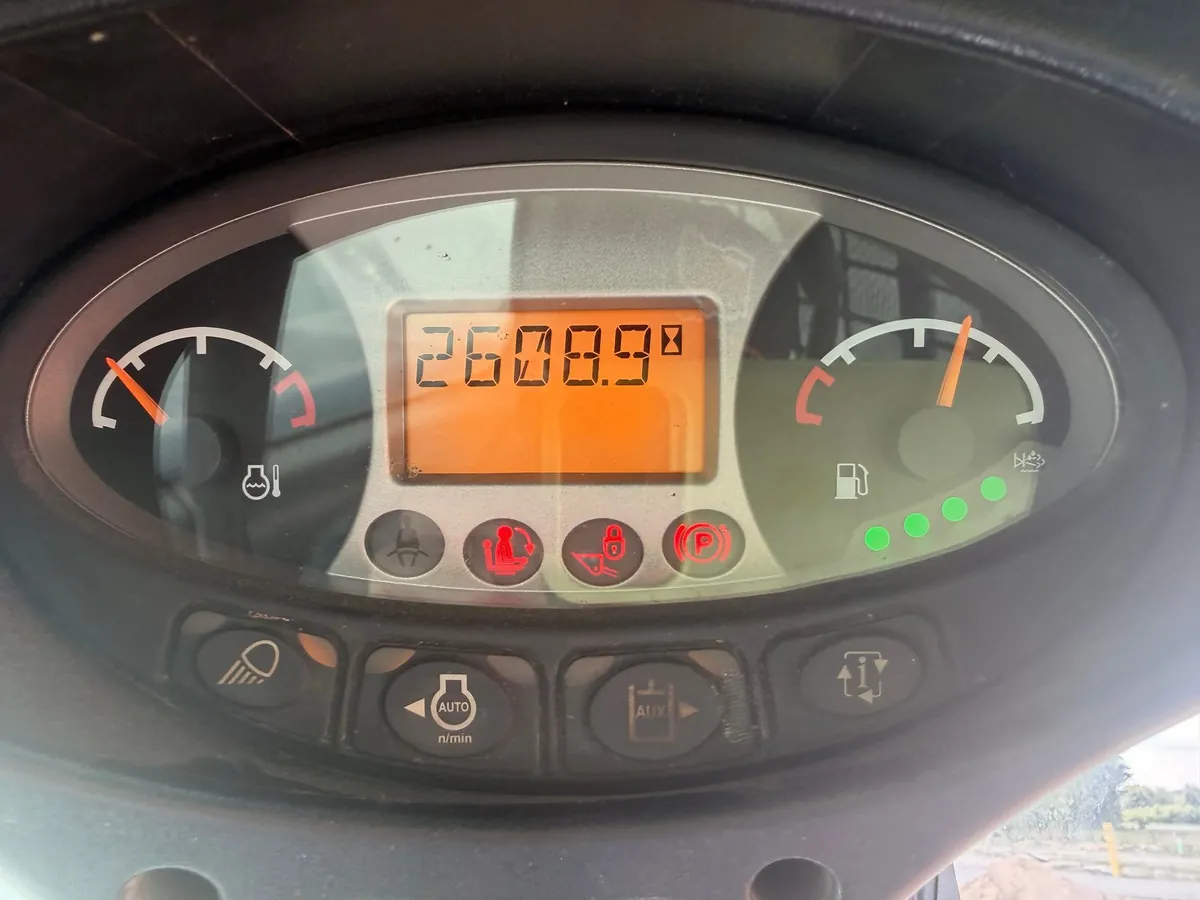
Log the hours
Read the dash, tap the meter in FieldFix, punch in the number. That's the whole job, and it's what keeps every reminder honest.
See what's due
Oil, filters, undercarriage, chaincase. FieldFix keeps the schedule by hours and puts whatever's overdue at the top. Pull a suggested schedule for your make and model in one tap, then match it to your manual.
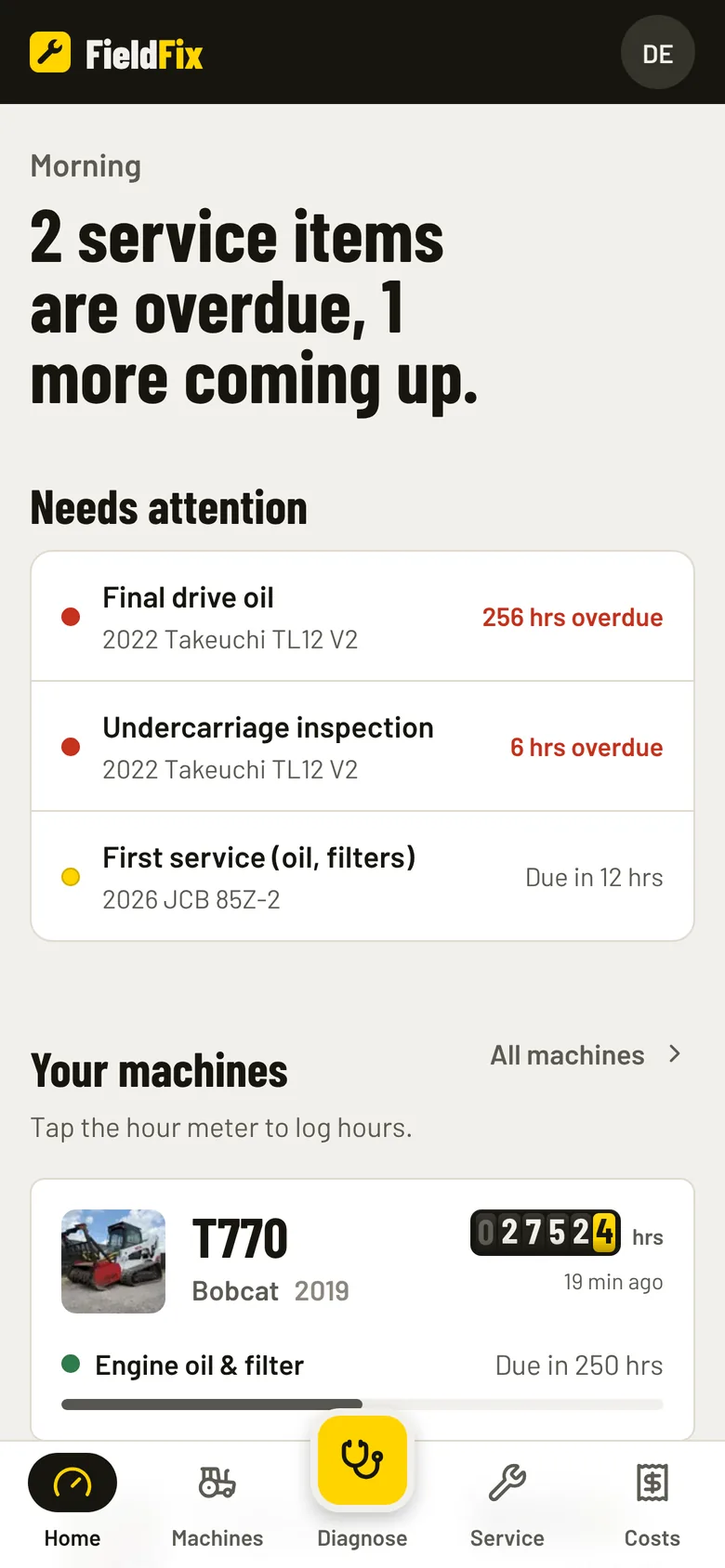
Mark it done
Tap Done when the work's finished. It lands in the machine's history with the hours, the date, who did it and what it cost. That's the record a buyer asks for.
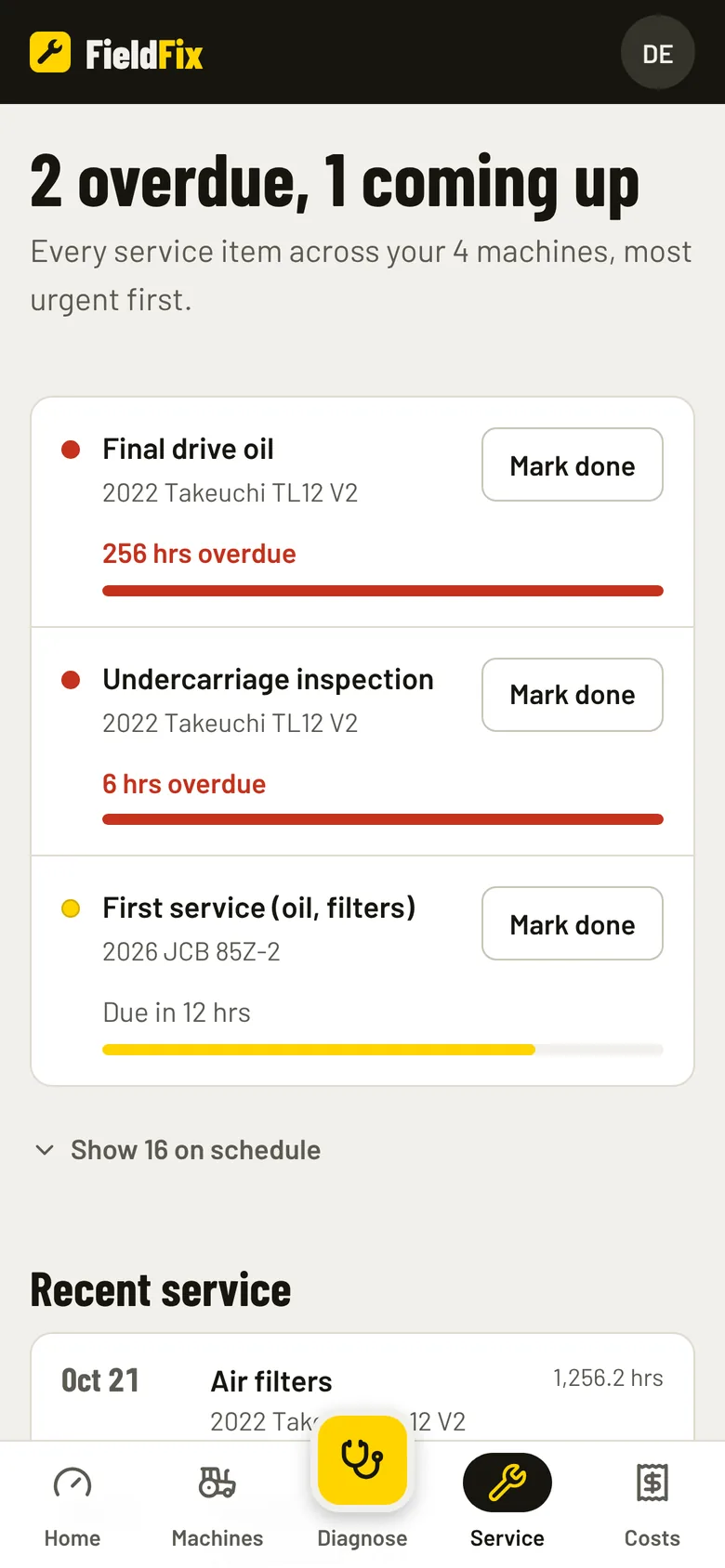
Describe the problem like you'd tell your mechanic.
Add a fault code or a photo if you have one. FieldFix searches owner forums, dealer pages and parts sites for your exact make and model, then tells you the most likely cause and what to check first.
- Reads fault codes and photos. Snap the warning on the display or the leak under the machine.
- Tells you when to shut it down. Before a $300 fix turns into a $3,000 one.
- Shows what it read. Every answer lists its sources, so you can check them yourself.
- Answers follow-ups. Specs, parts, what a dealer might charge. And it says so when it doesn't know.
Powered by Claude, from Anthropic. 5 diagnoses a month on the free plan, unlimited on Pro.
2023 Takeuchi TL12 V2
Diagnose
You said
"Cranks fine but won't fire on cold mornings. Starts right up once it's warmed up in the shop."
Searched the web
- Takeuchi TL12 V2 hard start, cold, won't start, glow plug
- Yanmar 4TNV98CT glow plug replacement cost, grid heater
Most likely
Cold-start preheat isn't working: weak or dead glow plugs, or a bad preheat relay or timer.
When to stop
Stop cranking after 15 seconds at a time to protect the starter and battery. Don't use ether on an engine with an intake grid heater.
Read 8 sources, including
- heavyequipmentforums.com
- justanswer.com
- tractorbynet.com
- lawnmowerly.com
What part numbers do I need?
I don't have verified part numbers for your TL12 V2, and I don't want to guess. A wrong glow plug or filter number could cost you money, and a wrong plug could damage the cylinder.
Pro
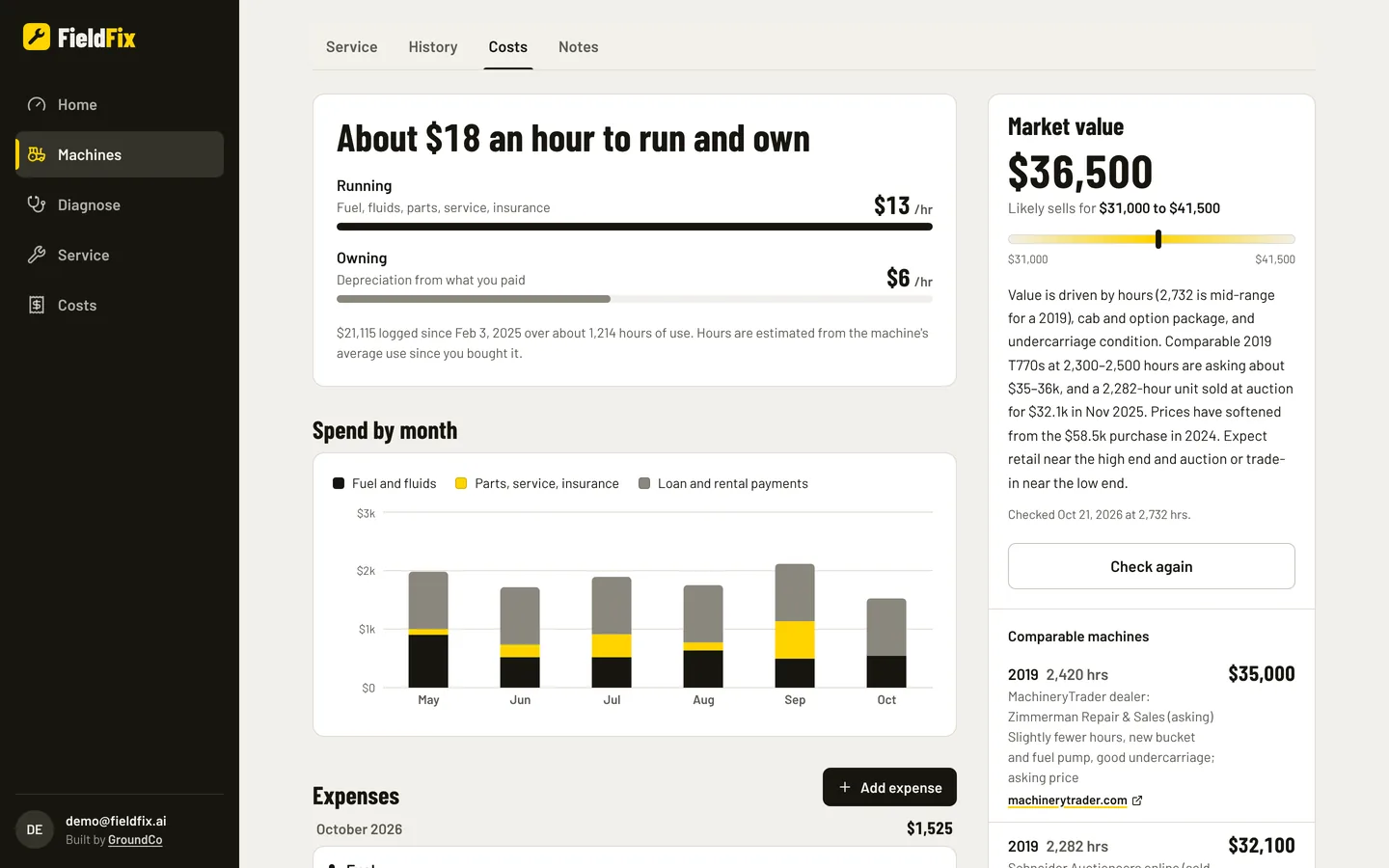
Know what each machine costs to run, and what it's worth.
- Cost per hour. Running and owning, from the fuel, parts, service and payments you log.
- Snap the receipt. FieldFix reads fuel and parts receipts and logs them to the right machine.
- Market value. A price range from real listings for your machine, with the listings it used.
- The full history, exported. Hand a buyer every service, repair and receipt when it's time to trade up.
Free for one machine. $10 a machine after that.
No trial and no contract. Start free and go Pro when you add your second machine. Already a subscriber? Your plan and price stay the same.
| Feature | Free $0 for one machine | Pro $10 per machine, per month |
|---|---|---|
| Machines | 1 | As many as you run |
| Hour meter and service reminders | ✓ | ✓ |
| Service history and notes | ✓ | ✓ |
| Daily walkaround checklist | ✓ | ✓ |
| Scan service invoices into history | ✓ | ✓ |
| AI diagnoses | 5 a month | Unlimited |
| Costs, receipts and cost per hour | — | ✓ |
| Market value and depreciation | — | ✓ |
| Exports and documents | — | ✓ |
| Crew access | — | ✓ |
| API | — | ✓ |
5 machines on Pro is $50 a month. Cancel anytime. Unlimited diagnoses have a fair-use cap of 60 a day.
Built by GroundCo.
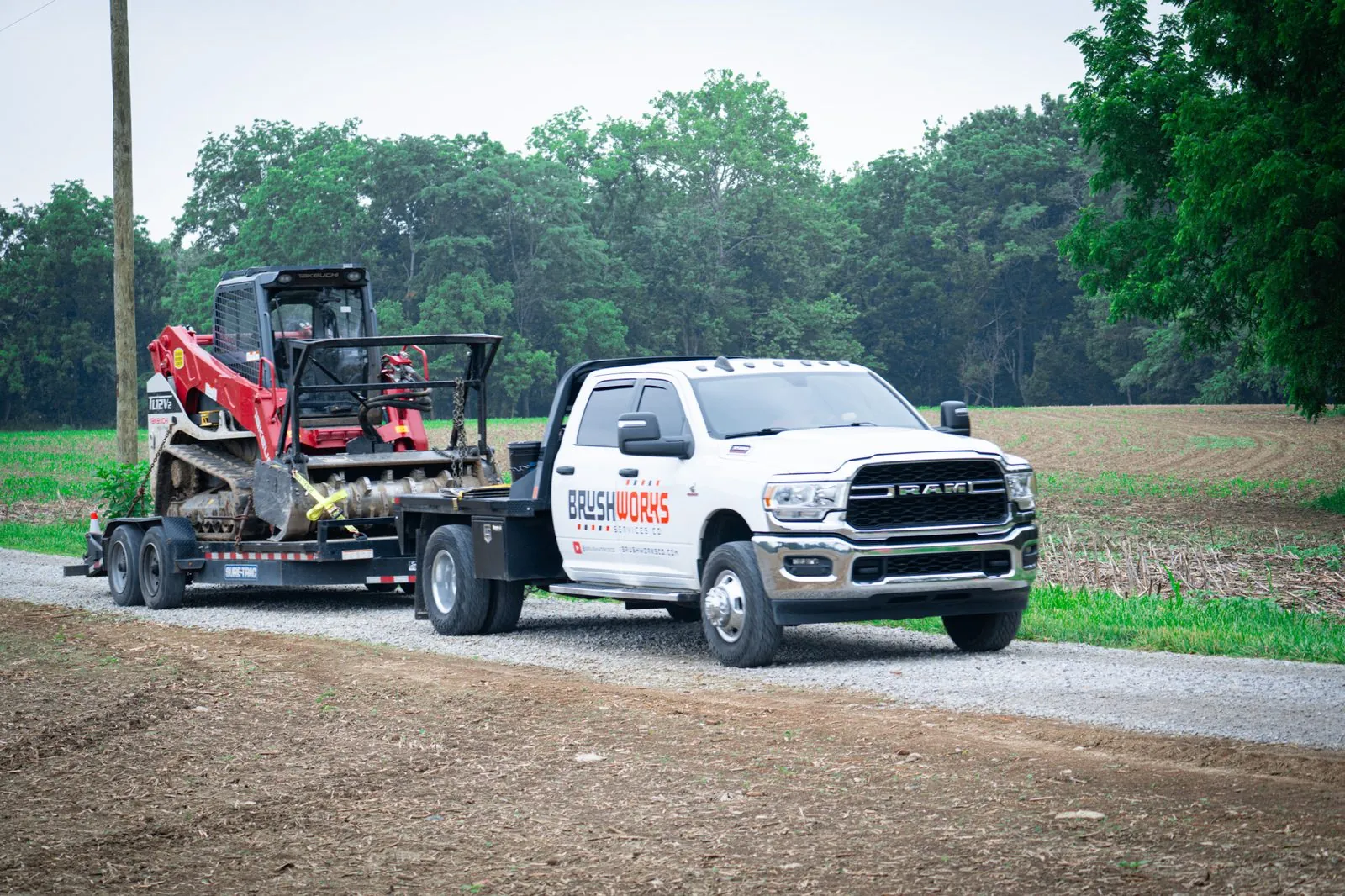
We clear land and do site prep outside Cincinnati with a Bobcat T770, two Takeuchi TL12s and a JCB 85Z-2. FieldFix is the tool we wanted for our own machines: one place for the hours, the service, and what went wrong last time.
Also free from GroundCo
Map Pricer
Draw the job. Get the price.
Pull up any property in 3D, draw the job and price it at your own rates. Slope comes from USGS elevation, and you can download a clean site plan for your customer. Free for the trades.
Starter rates for
- Land clearing
- Excavation and site work
- Fencing
- Landscaping
- Paving and sealcoating
Questions
Is FieldFix really free?
Yes, for one machine. You get the hour meter, service reminders, history and notes, the daily walkaround, and 5 AI diagnoses a month. No credit card. Go Pro when you add a second machine.
What does Pro cost?
$10 per machine per month. Five machines is $50 a month. Cancel anytime. There's no trial, because the free plan already lets you try everything that matters on one machine.
I already pay for FieldFix. What changes for me?
Nothing on your bill. Your plan and price stay the same, and you get the new app and the new AI with it.
How does the AI diagnosis work?
You describe the problem in plain words and add a fault code or photo if you have one. FieldFix uses Claude, Anthropic's AI, to search owner forums, dealer pages and parts sites for your exact make and model, then tells you the most likely cause, how sure it is, when to stop running the machine and what to check first. Every answer lists the sources it read. Treat it as a sharp second opinion and check torque specs and safety steps against your operator's manual.
What machines does it work with?
Anything with an hour meter: track loaders, skid steers, mini and midi excavators, mulchers, dozers, tractors, mowers, UTVs and stump grinders. If it has a make, a model and hours, FieldFix can track it.
Does it work on my phone?
Yes. FieldFix is built for the phone first and runs in your phone's browser, so there's nothing to download from an app store. Add it to your home screen and it opens with one tap. It works on a laptop too.
Can my crew use it?
Yes, on Pro. Invite your operators with a code. They sign in to the FieldFix operator app on their own phones, see only the machines you give them, and log hours and the daily walkaround.
Who makes FieldFix?
GroundCo, a land-clearing and site-prep crew outside Cincinnati. We run a Bobcat T770, two Takeuchi TL12s and a JCB 85Z-2, and FieldFix is the tool we wanted for them.
Put your first machine in. It's free.
Make, model, hours. A couple of minutes and you're tracking.