Machines
Every machine, its hours and what it needs next.
Track loaders, skid steers, minis, mulchers, dozers, tractors: anything with an hour meter. Each one gets a page with its hours, its service schedule, its history and, on Pro, what it costs you per hour.
Free for your first machine. Pro tracks as many as you run, $10 a machine a month.
Add a machine in a couple of minutes.
Make, model, year and what the hour meter says. Add the serial number and a photo if you want. Then pull a suggested service schedule for your make and model in one tap, adjust it to match your manual, and you're tracking.
After that, keeping it current is one job: tap the hour meter, punch in what the dash says, and tap Save hours.
Hours on the meter
Everything in FieldFix runs off this number: what's due, what's overdue and cost per hour.
One page per machine
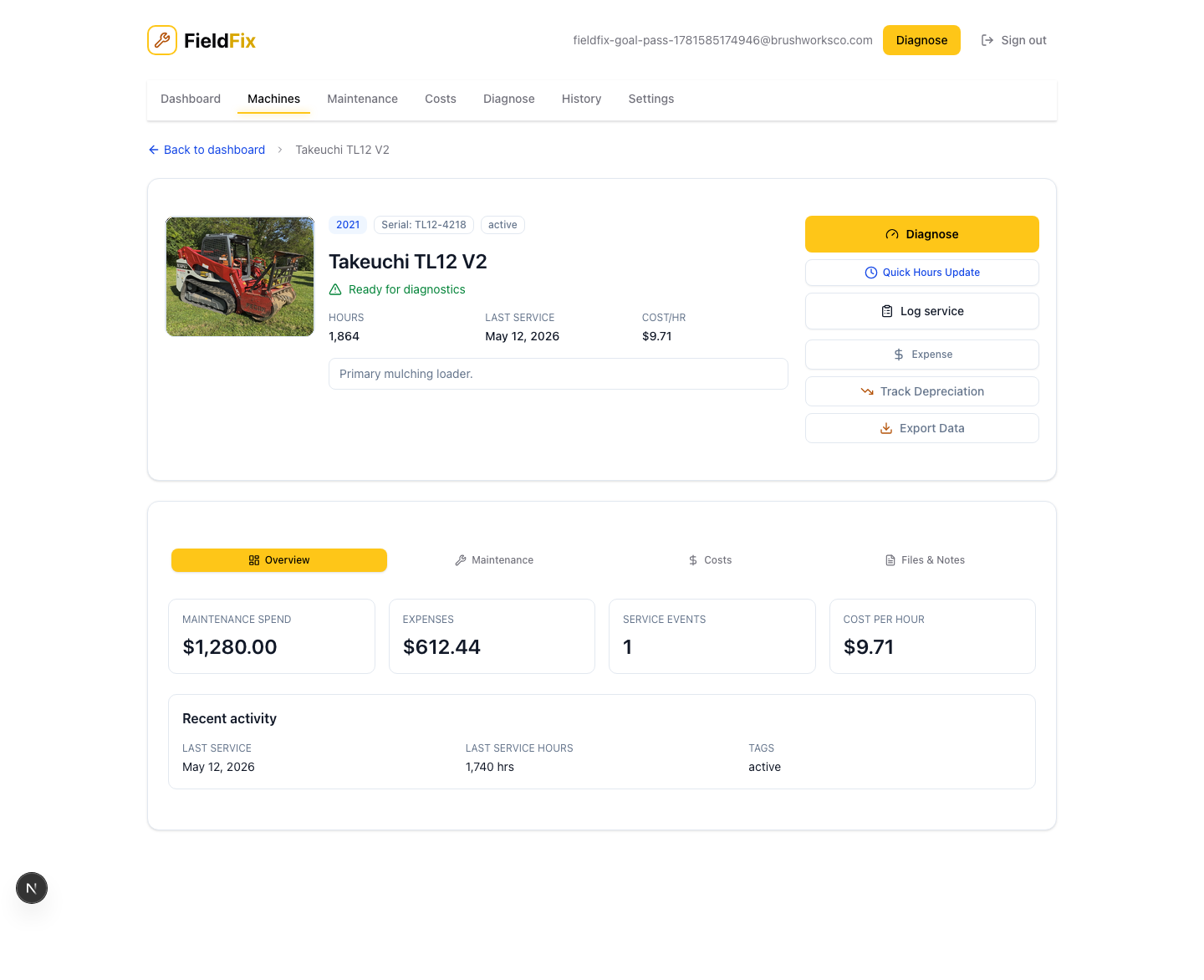
Up top: the photo, the hour meter, what's due next, the last service date and the serial. Below that, four tabs.
Service
The service schedule, tracked by hours, with a Done button on every item. The daily walkaround sits underneath.
Service and remindersHistory
Every service, repair and diagnosis on the machine, newest first, with photos and invoices attached.
Service historyCosts Pro
On Pro: cost per hour to run and own, expenses with receipt scanning, market value and book value.
CostsNotes
Quick notes on every plan. On Pro, documents like title, insurance and warranty, with expiry dates flagged.
DocumentsThe whole fleet on one screen
Home tells you in one line whether everything's on schedule, then lists what needs attention: overdue service, items coming due and any machine you've marked down. The Service page lists every service item across the fleet, most urgent first.
When something breaks
Tap Diagnose on the machine, describe the problem and add a fault code or photo. FieldFix researches that exact make and model and tells you the likely cause and the fix.
How Diagnose worksYour crew, on Pro
Invite operators with a code. They get their own sign-in to log hours and checklists on the machines you assign them.
Put your first machine in. It's free.
Make, model, hours. A couple of minutes and you're tracking.